


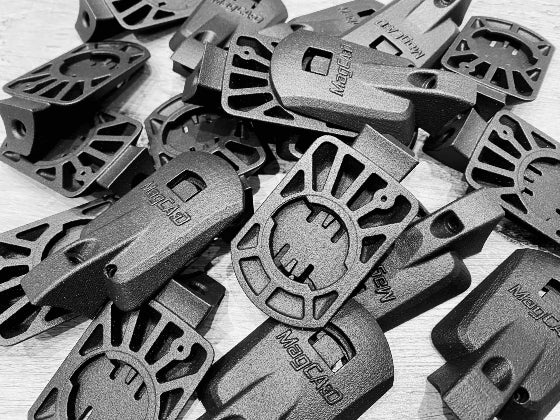




MagCAD Wahoo Elemnt Bolt / Roam V3 GoPro Easton ICM Mount
What's Included
- 1x 3D printed mount.
- 1x M5x20mm cap screw.
- 1x M5 curved tee nut.
- 1x M5x20mm button head screw.
- 1x M5 dome nut.
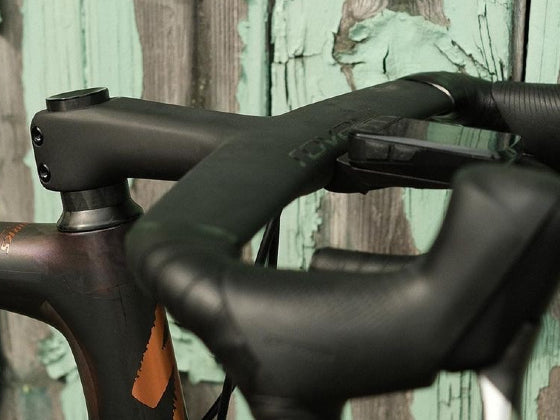
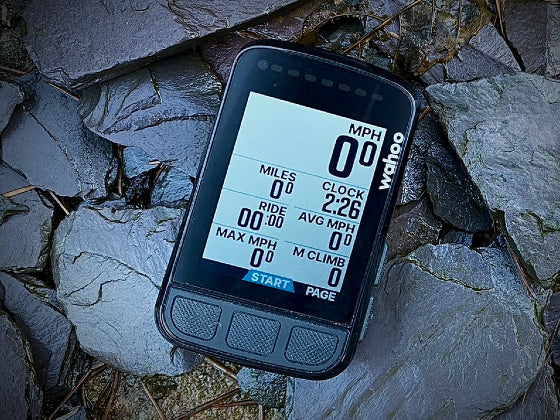
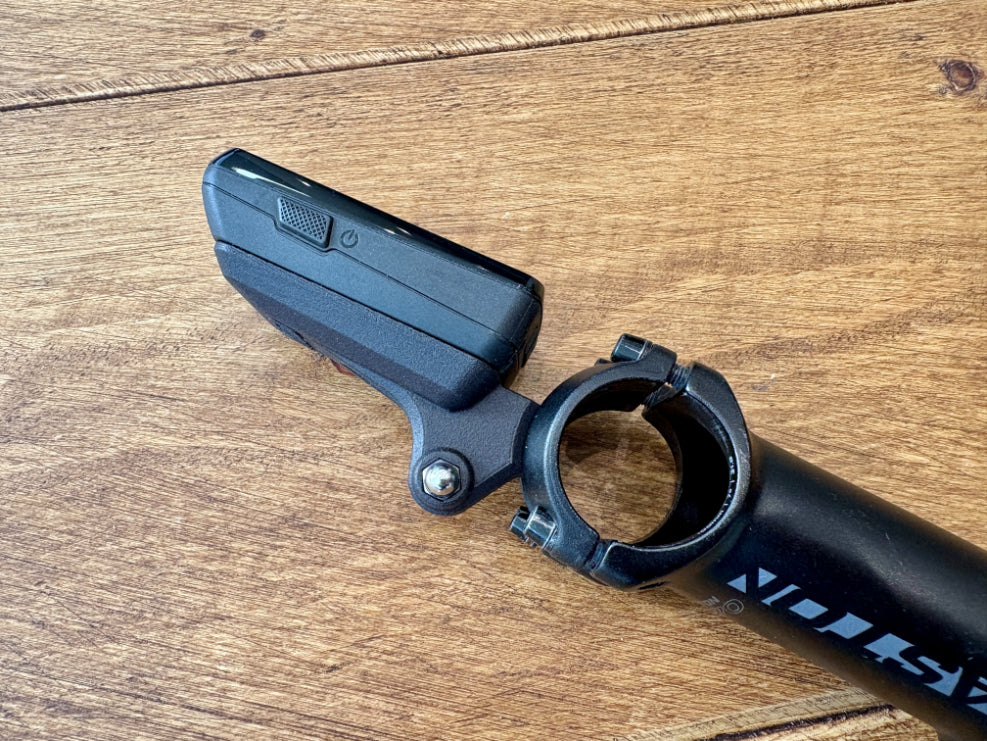
The Wahoo device and Easton stem pictured are for reference only and not included.
Overview
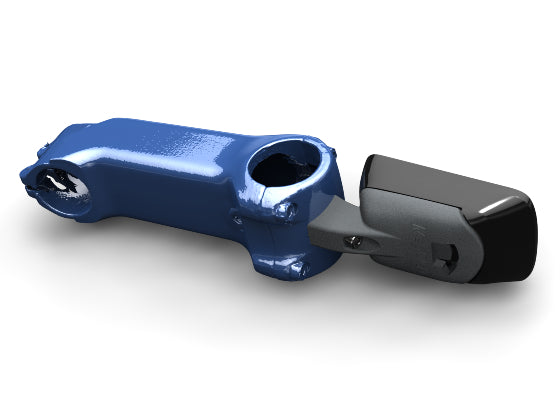
Mount your Wahoo Elemnt Bolt 3 or Roam 3 computer in front of your compatible Easton ICM stem with this MagCAD Mount. The Easton ICM stems have a specially designed faceplate and retained nut that provides a secure point to attach a computer mount.
This mount is designed specifically for the shape of the Bolt 3 and Roam 3. It will not suit the older Wahoo V2 and V1 devices, nor will it fit the Wahoo Elemnt Ace.
A GoPro lug has been added underneath for maximum flexibility, allowing you to mount additional devices such as cameras and lights underneath your computer without cluttering the rest of your handlebars.
Application
Fitting the MagCAD mount is a simple process. Should you require any further clarification to the below please get in contact.
- Remove the faceplate from your stem.
- Insert the curved tee nut into the back of the faceplate.
- Bolt the mount through the faceplate and into the curved tee nut and loosely tighten.
- Pivot the mount to the centre of the slot and fully tighten.
- Check the mounting bolt is long enough to fully engage with the tee nut but not too long to protrude past the tee nut and foul your handlebars.
- Reassemble the faceplate to your stem following the stem manufacturers instructions.
- Loosen the mount and pivot to your preferred orientation before retightening.
All Wahoo V3 devices come with a lanyard for extra security. We recommend using this lanyard alongside our MagCAD mount to avoid any risk of damage due to incorrect assembly or mis-use.
Please Note: When mounting multiple devices off one mount we recommend using a tether just for extra security.
Compatible With:
- Wahoo Elemnt Bolt 3 and Roam 3 computers.
- Not compatible with the Wahoo V2 or V1 computers or Wahoo Elemnt Ace.
- Action cameras and lights with a GoPro type mount.
Specifications
- Weight: 22 grams (without hardware), 34 grams (with hardware).
Disclaimer
This product and/or service is not affiliated with, endorsed by or in any way associated with GoPro Inc, Wahoo Fitness, LLC, Fox Factory Holding Corp. (Easton Cycling) or their products and services. GoPro, Wahoo, Easton and their respective logos are trademarks or registered trademarks of GoPro Inc, Wahoo Fitness, LLC and Fox Factory Holding Corp..